
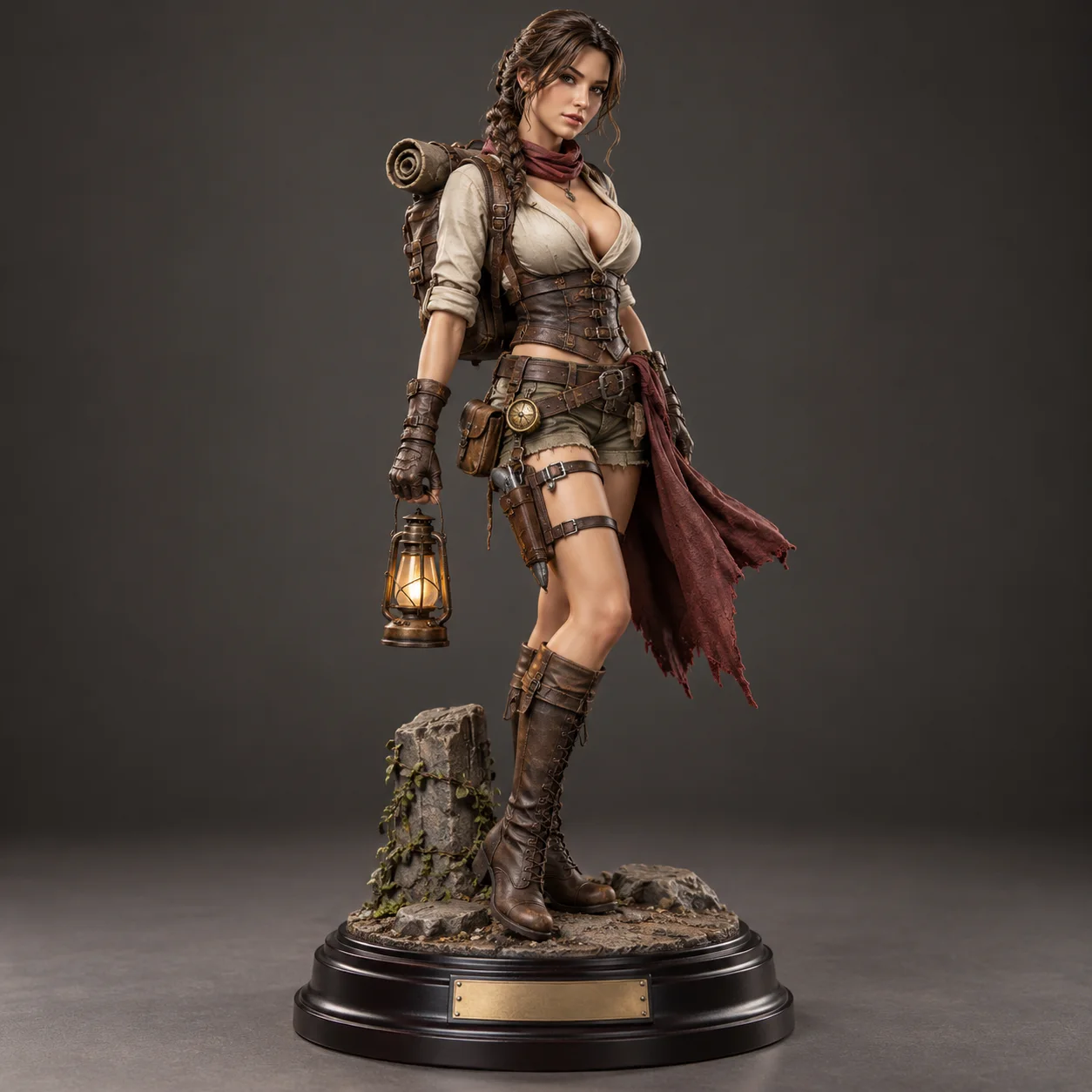
 AI figurine generator · collectible
Generated image will be displayed here
Motixo image workflow
AI Figurine Generator on Motixo
Transform portraits into collectible figurine concepts with sculpted detail, bases, and toy-packaging vibes.
- Start with a clear brief
- Built for real production use
- Explore multiple directions
How to use AI Figurine Generator
Step 1
Upload a person photo
A clear full-body or half-body shot helps the AI figurine generator read proportions.
Step 2
Pick figure style
Chibi, realistic collectible, or stylized resin looks.
Step 3
Add base and packaging
Generate stand, blister pack, or shelf-display scenes.
AI Figurine Generator Features
Photo-to-figurine transform
Keep likeness while shifting into collectible sculpture style.
Base and stand designs
Add nameplates and display bases for gift-ready concepts.
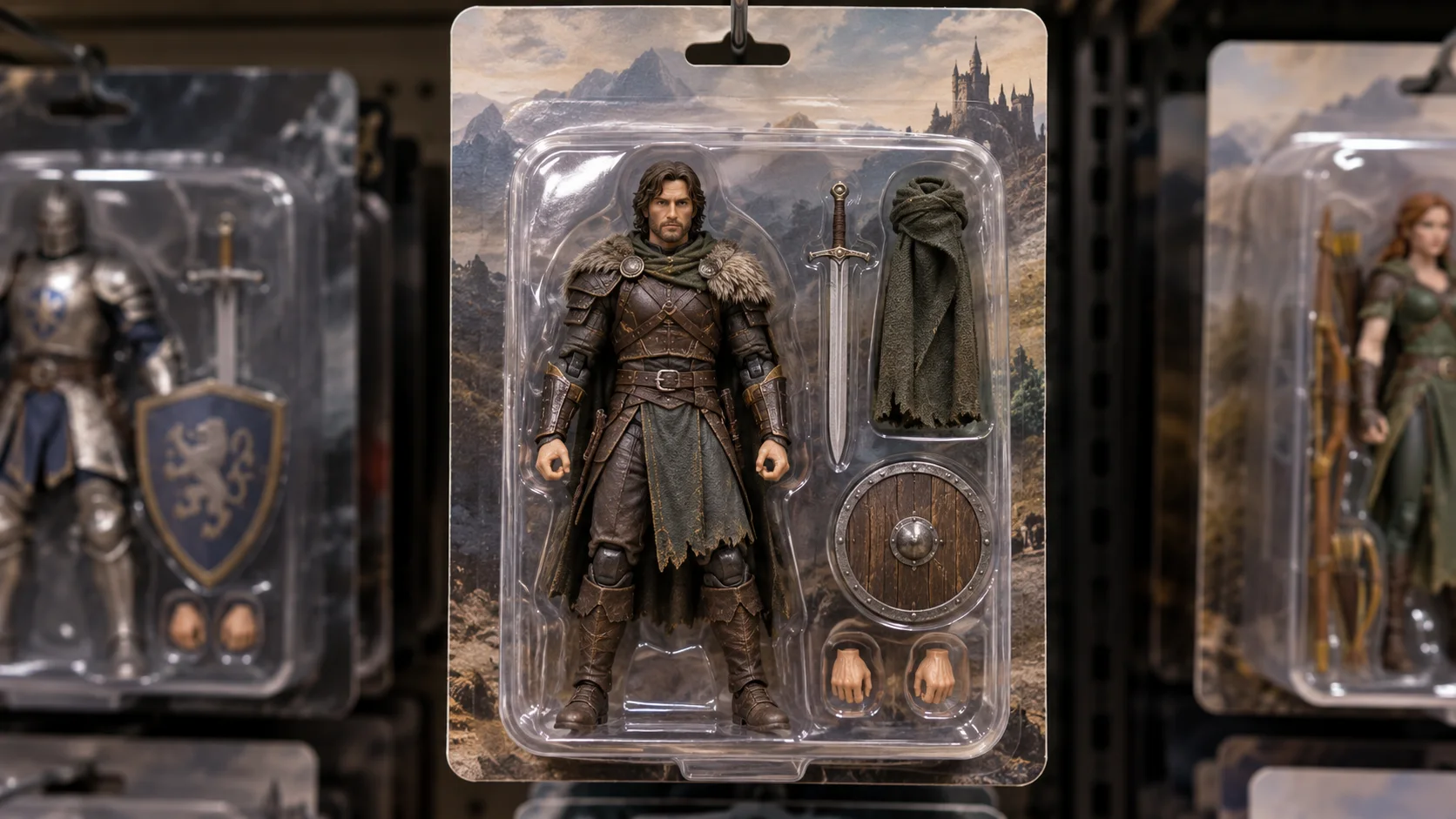
Packaging mockups
Blister and box art for fun product-style presents.
Stylized or realistic resin
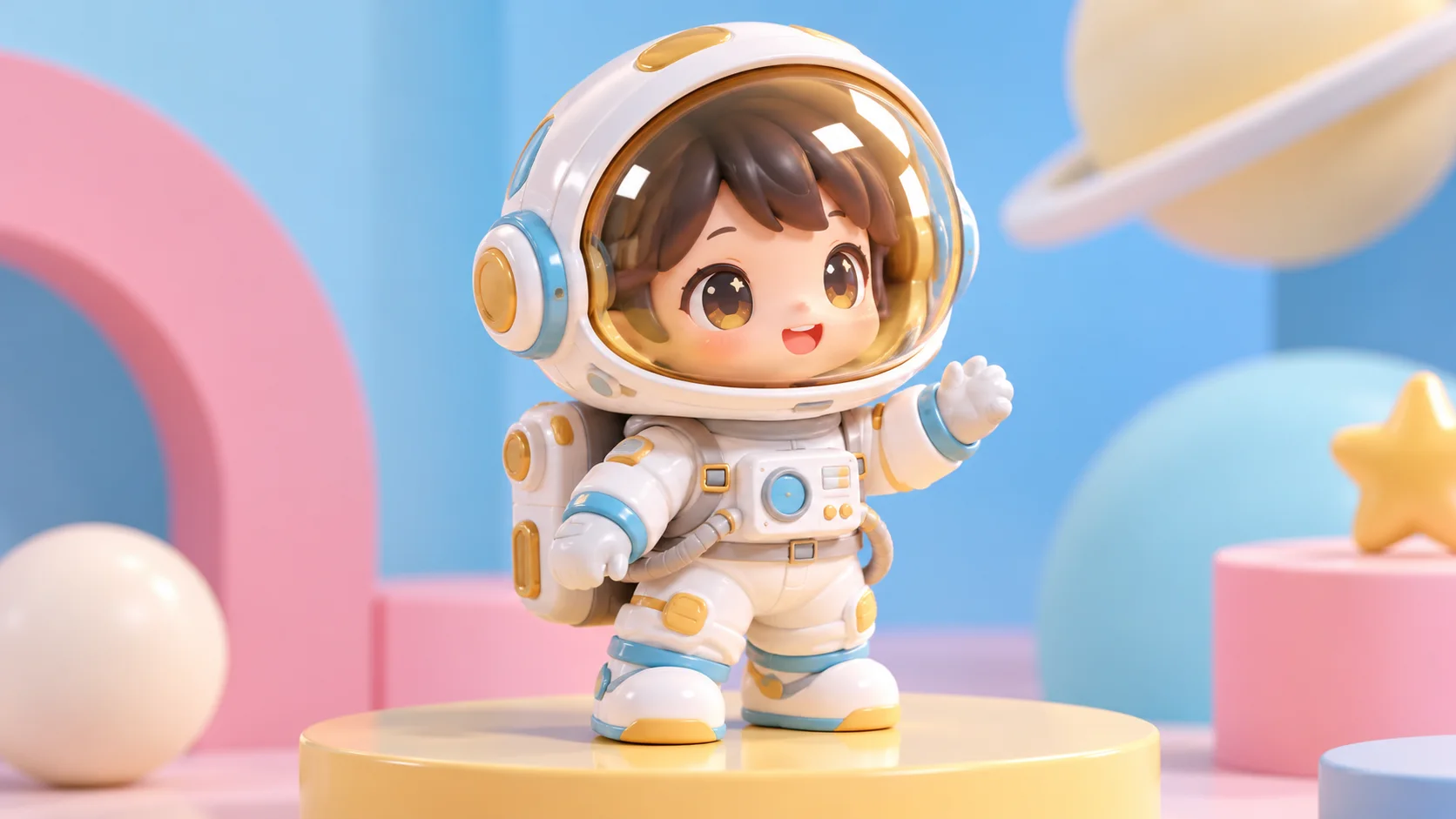
Choose cute chibi or premium collector finishes.
Shareable social formats
Square and vertical crops for posts and stories.
AI Figurine Generator Examples
AI Figurine Generator FAQ
Likeness depends on photo quality. Front-facing light and sharp faces give the AI figurine generator the best start.
Try AI Figurine Generator
Start with one simple brief, then tune the lighting, style, and framing until it fits your campaign.