
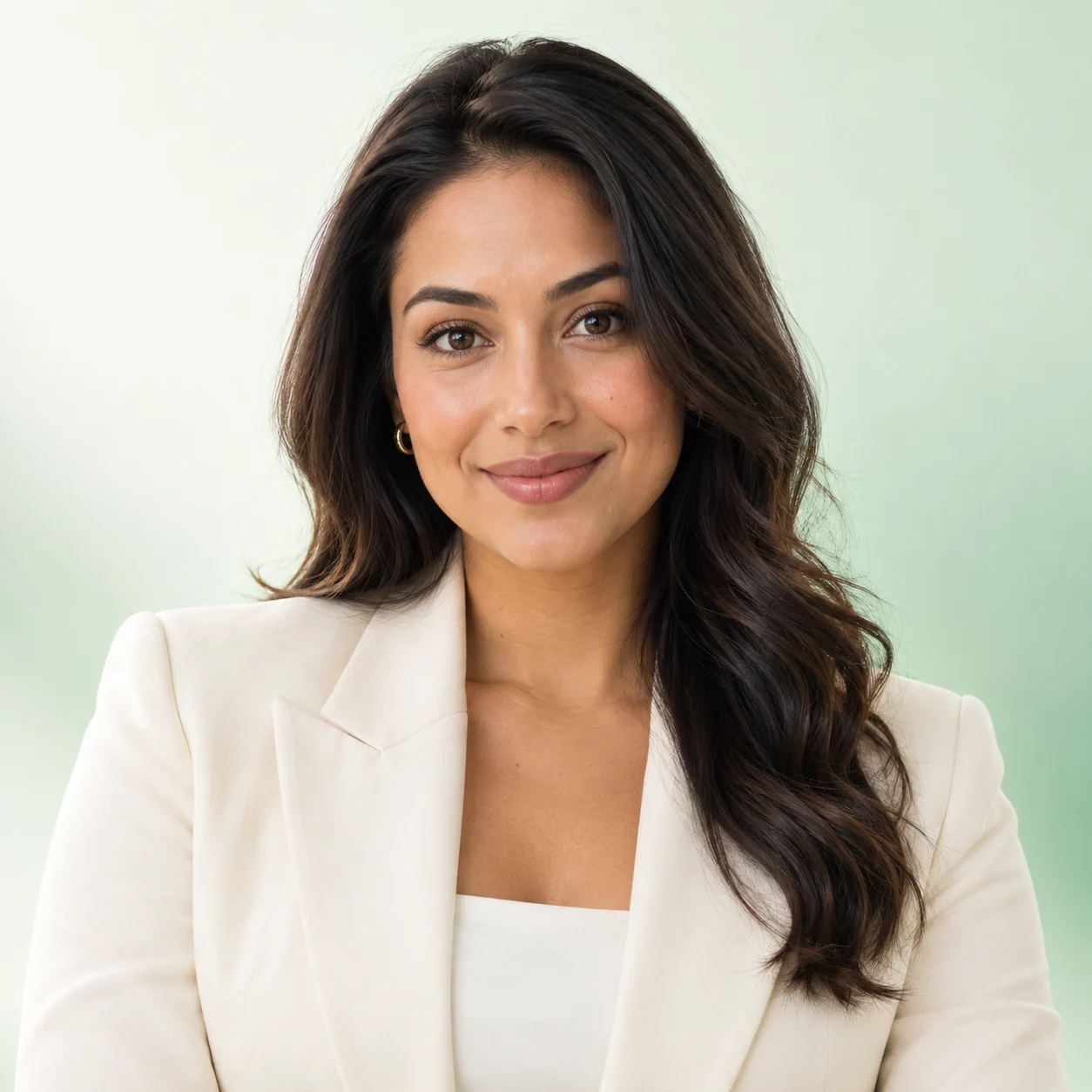
 LinkedIn profile
Generated image will be displayed here
Motixo image workflow
AI Headshot Generator on Motixo
Upload a selfie and generate professional AI headshots with studio lighting, wardrobe options, and LinkedIn-ready framing — no photographer required.
- Start with a clear brief
- Built for real production use
- Explore multiple directions
How to use AI Headshot Generator
Step 1
Upload a clear selfie
Use a well-lit front-facing photo. Avoid heavy filters so the AI headshot generator can keep your likeness.
Step 2
Choose style and framing
Pick corporate, creative, or casual looks. Adjust crop for LinkedIn, resume, or team page sizes.
Step 3
Generate and download
Create multiple AI headshot variations, pick the best, and export for profiles or websites.
AI Headshot Generator Features
Professional headshot from selfie
Transform casual phone photos into polished corporate portraits with natural skin detail.
LinkedIn profile photo ready
Square and portrait crops tuned for LinkedIn, company directories, and speaker bios.
Studio lighting without a studio
Soft key light and clean backgrounds that look like a real headshot session.
Multiple wardrobe looks
Explore blazer, smart-casual, and creative industry styles in one AI headshot generator run.
Consistent likeness control
Keep facial identity stable across variations so results still look like you.
Fast batch for teams
Generate headshots for founders, sales teams, or speakers without scheduling shoots.
AI Headshot Generator Examples
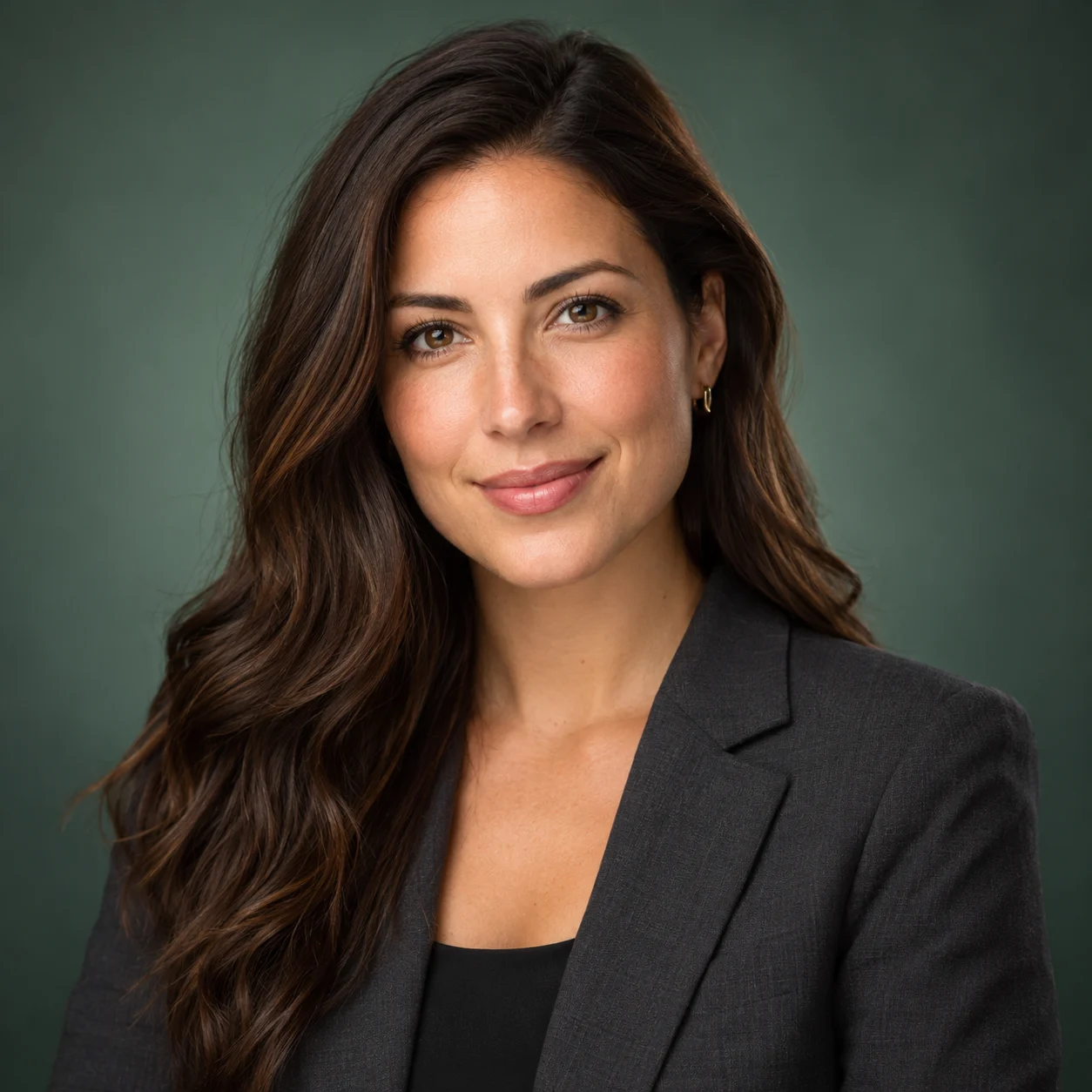

AI Headshot Generator FAQ
Upload a clear selfie to the Motixo AI headshot generator, choose a professional style, and generate. Pick the variation that best matches your brand and download.
Try AI Headshot Generator
Start with one simple brief, then tune the lighting, style, and framing until it fits your campaign.