
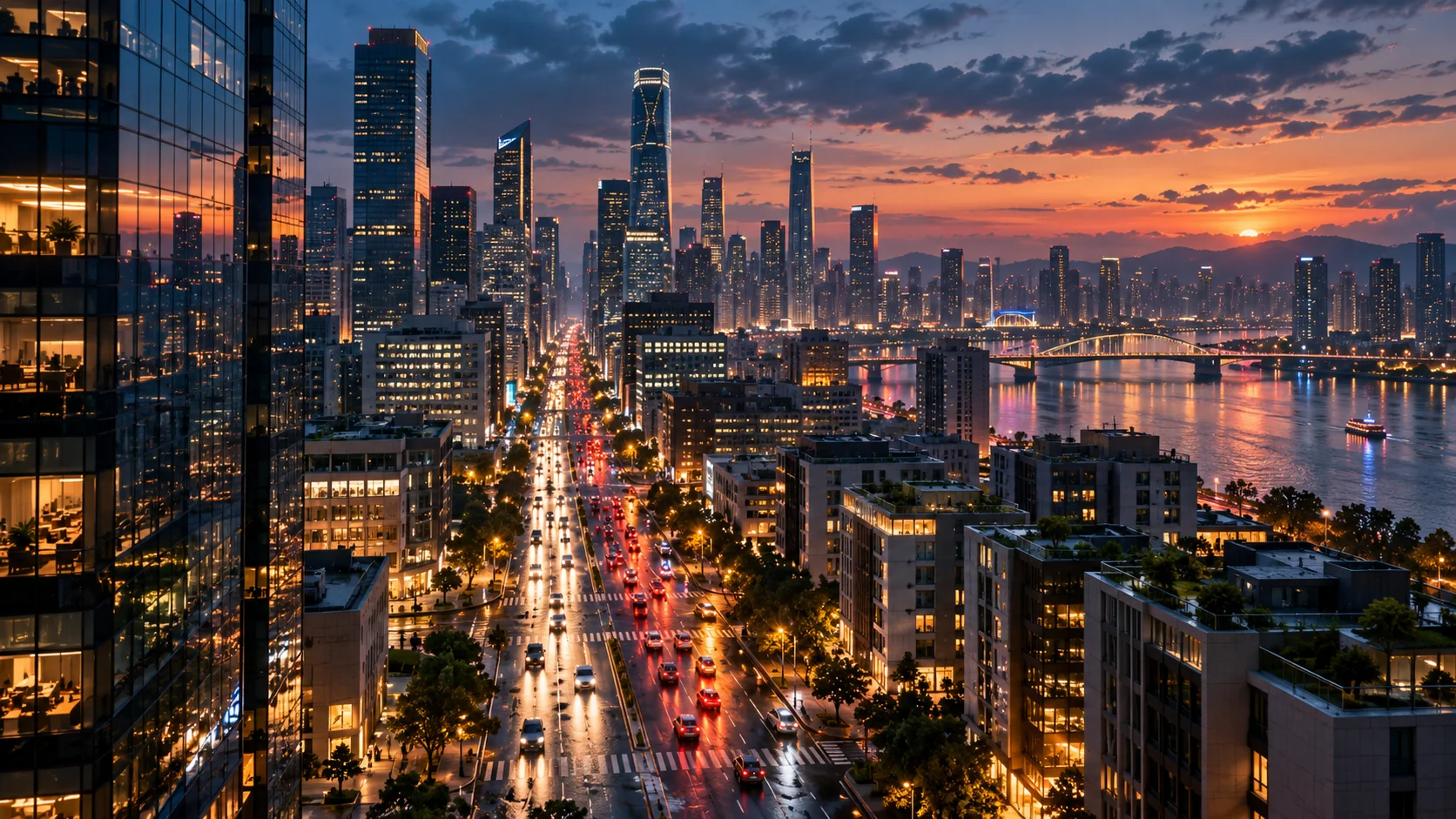
 Text to video · cinematic
Generated video will be displayed here
Motixo video workflow
Text to Video on Motixo
Describe a scene, camera move, and mood — generate short text to video clips for campaigns and social.
- Start with a clear brief
- Built for real production use
- Explore multiple directions
How to use Text to Video
Step 1
Write the scene
Subject, location, lighting, and camera move for text to video.
Step 2
Pick duration and ratio
Match feed or landscape campaign specs.
Step 3
Generate and iterate
Refine prompts until pacing and mood fit.
Text to Video Features
Prompt-only creation
No filming crew — start from language alone.
Cinematic camera language
Push, orbit, and tracking moves in text to video prompts.
Ad and social formats
Vertical and landscape outputs for paid and organic.
Model switching
Try different video models for realism or stylization.
Text to Video Examples


Text to Video FAQ
Include subject, action, camera, and light. Vague prompts produce vague clips.
Try Text to Video
Start with one simple brief, then tune the lighting, style, and framing until it fits your campaign.
No credit card requiredFree to try